Tips for Charging Your Huawei Smartwatch Safely & Fast
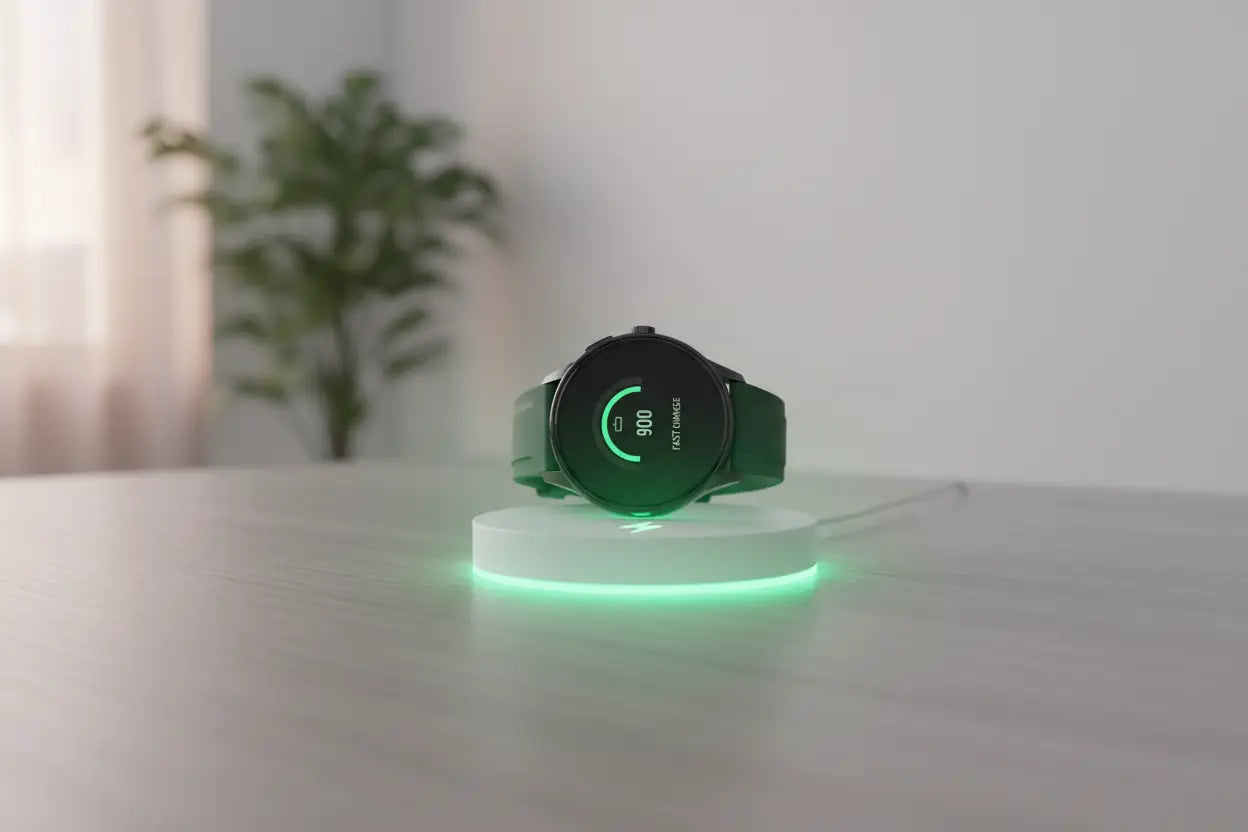
Your Huawei Watch is designed to support your daily routine — from tracking workouts and monitoring heart rate to managing notifications and calls. To keep it performing at its best, proper charging habits are essential. While Huawei smartwatches are built with advanced battery technology, using the right charging methods can significantly improve battery lifespan, safety, and overall performance.
In this guide, we’ll share practical insights on how to charge your Huawei smartwatch safely and fast, so you can enjoy reliable power every day.
Why Safe Charging Matters
Smartwatches use compact lithium-ion batteries, which require proper handling. Incorrect charging habits can lead to:
-
Slower charging speed
-
Battery overheating
-
Reduced battery lifespan
-
Long-term performance issues
By following safe charging practices, you can maintain optimal battery health and avoid unnecessary replacements.
1. Always Use the Original or Compatible Charger
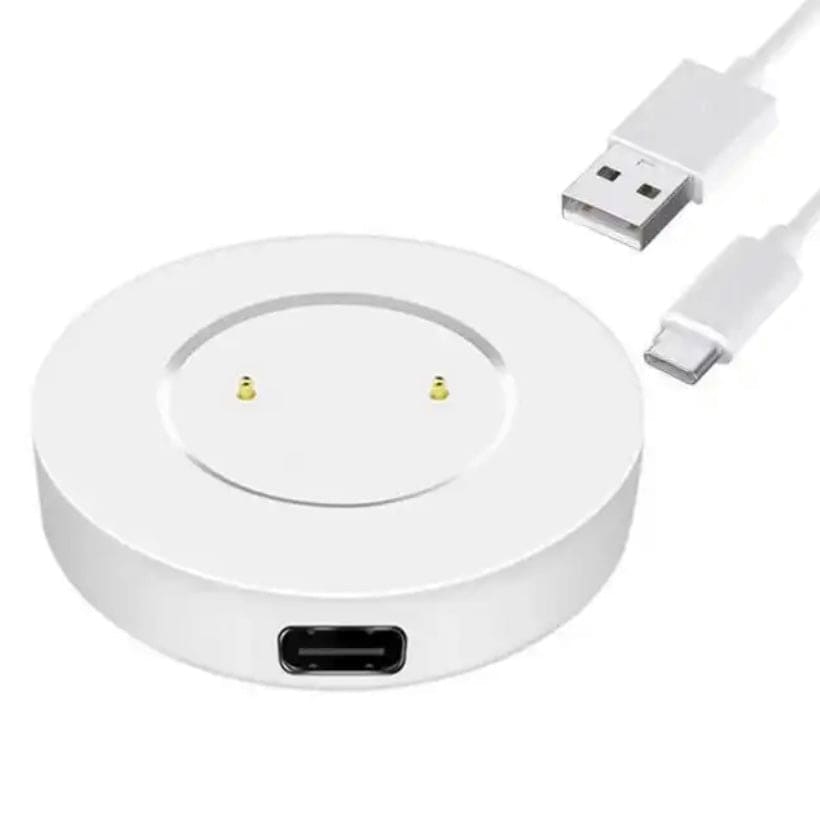
The first and most important rule is to use the original Huawei charger or a certified compatible huawei charging cable designed specifically for your smartwatch model.
Using low-quality or incompatible chargers may cause:
-
Inconsistent power supply
-
Overheating
-
Damage to internal components
Huawei smartwatches typically use magnetic charging docks that ensure proper alignment and stable current flow. Always double-check that the charger matches your device model.
2. Charge on a Stable, Flat Surface
For efficient charging:
-
Place your smartwatch on a flat, stable surface.
-
Ensure the magnetic charger aligns properly with the charging pins.
-
Avoid charging on uneven or soft surfaces like beds or couches.
A proper surface allows better heat dissipation and reduces the risk of overheating.
3. Avoid Overcharging
Modern Huawei smartwatches include built-in protection against overcharging, but it’s still a good habit to unplug once fully charged.
Best practice:
Keep your battery level between 20% and 80% for optimal long-term health.
Charging overnight occasionally is fine but doing it daily may slowly impact battery efficiency over time.
4. Keep the Charging Area Clean
Dust and debris can interfere with charging speed.
To maintain safe charging:
-
Wipe the back of your smartwatch regularly.
-
Clean the charging contacts gently with a soft cloth.
-
Ensure no moisture is present before charging.
Clean contact points ensure faster and more stable power transfer.
5. Remove Protective Cases (If Necessary)
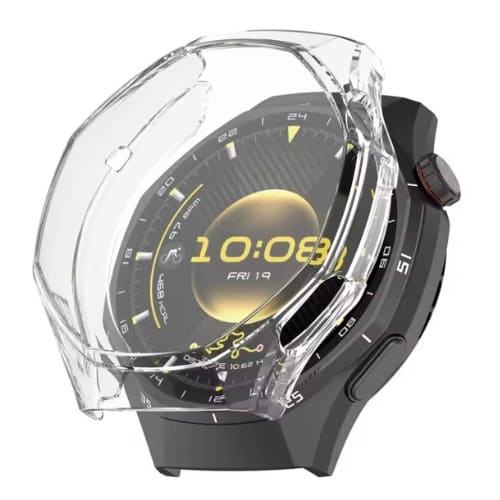
Some bulky protective cases may interfere with magnetic alignment. If you notice slow charging or inconsistent connection:
-
Remove the case temporarily.
-
Ensure the charger snaps firmly into place.
Proper contact improves charging speed and prevents interruptions.
Know About: How to Customize Your Huawei Smartwatch With Stylish Accessories
6. Avoid Charging in Extreme Temperatures
Temperature plays a significant role in battery performance.
Avoid:
-
Charging in direct sunlight
-
Leaving the watch in a hot car
-
Charging in extremely cold environments
The ideal charging temperature is between 10°C and 35°C. Extreme heat can reduce battery lifespan, while extreme cold can slow charging efficiency.
7. Use a Reliable Power Source
Plug your charger into:
-
A certified wall adapter
-
A reliable USB port
-
A trusted power bank
Avoid unstable power sources, such as cheap multi-plug extensions or unknown USB hubs, as they may deliver inconsistent voltage.
For faster charging, use a recommended wall adapter instead of a laptop USB port, which typically provides lower output.
8. Turn Off Unnecessary Features While Charging
If you want to speed up charging:
-
Enable airplane mode
-
Disable Bluetooth and Wi-Fi
-
Close background apps
Reducing power consumption while charging allows the battery to refill faster.
9. Don’t Let the Battery Drain Completely
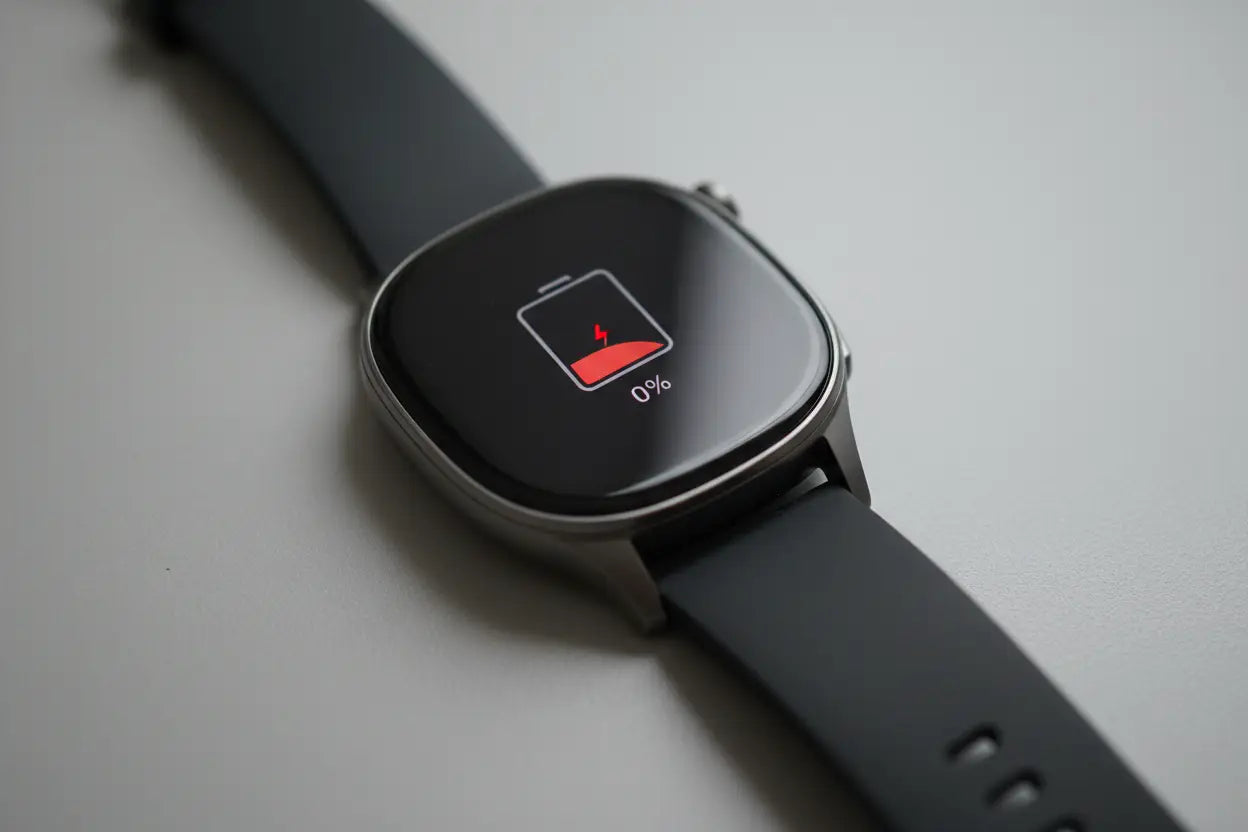
Frequent full discharges (0%) can stress lithium-ion batteries.
Smart habit:
Recharge your Huawei smartwatch when it drops to around 20–25%.
Maintaining moderate charge levels helps preserve battery health over time.
10. Use Portable Chargers Smartly
If you travel frequently, portable Huawei smartwatch chargers are convenient. However:
-
Choose certified portable chargers
-
Avoid charging while moving excessively
-
Protect the cable from bending or twisting
A high-quality portable charger ensures safe power delivery wherever you go.
Also Know: Best Watch Accessories for Sports & Outdoor Activities
How Long Does a Huawei Smartwatch Take to Charge?
Charging time varies by model, but most Huawei smartwatches take approximately:
-
60 to 120 minutes for a full charge
Fast charging capabilities depend on the model and charger specifications. Always check manufacturer recommendations for optimal performance.
Signs You May Have a Charging Problem
If you notice:
-
Slow charging speed
-
Device overheating
-
Charging interruptions
-
Battery draining unusually fast
It may be time to:
-
Replace the charging cable
-
Check the adapter
-
Clean charging contacts
-
Visit an authorized service center if issues persist
Ignoring charging problems can lead to long-term battery damage.
How to Extend Huawei Smartwatch Battery Life
In addition to safe charging, you can improve battery performance by:
-
Lowering screen brightness
-
Disabling always-on display when not needed
-
Limiting background apps
-
Turning off GPS when unused
-
Updating software regularly
Smart power management reduces frequent charging and improves overall battery longevity.
Final Thoughts
Charging your Huawei Watch safely and efficiently is simple when you follow the right practices. Using a compatible charger, maintaining clean charging contacts, avoiding extreme temperatures, and preventing overcharging can significantly extend your smartwatch’s battery life.
Quick recap:
✔ Use original or certified chargers
✔ Keep charging contacts clean
✔ Avoid extreme heat or cold
✔ Don’t overcharge regularly
✔ Recharge before hitting 0%
For reliable and high-quality Huawei smartwatch chargers and accessories, Thatwatchshop offers a wide range of compatible options designed for safety, durability, and fast charging performance. Choosing a trusted retailer ensures you get products that protect both your device and its battery life.
By following these tips for charging your Huawei smartwatch safely and fast, you’ll enjoy reliable performance, longer battery life, and worry-free usage every day.
Protect your battery today — and power your smartwatch the smart way with quality accessories from Thatwatchshop.